
Table of Contents
The toc shortcode allows you to include a table of contents for the current page to easily link to sections/headers on your page.
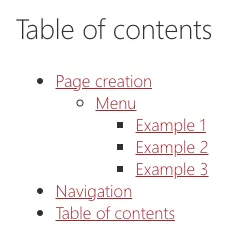
Example:
<toc />Attributes
Section titled “Attributes”The table of contents has the following:
title: Allows you to set the title above the table of contents (optional).position: If not provided, the table of contents will appear where you have inserted it into the Markdown. Set it torightto show a sticky table of contents next to the content, on screens at least 1024 pixels wide.rightis the only position there is.
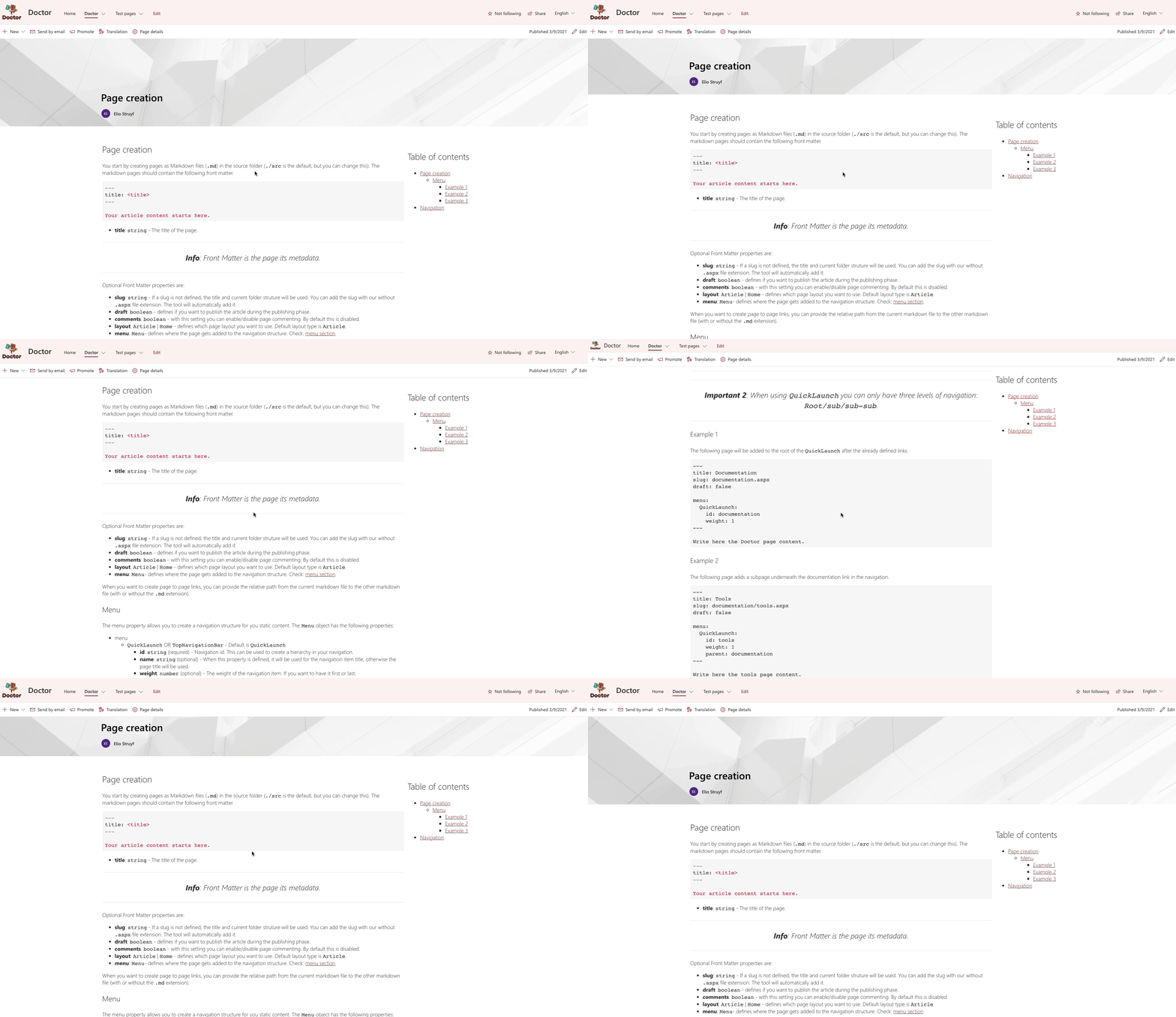
Example:
<toc title="Table of contents" position="right" />Global options
Section titled “Global options”You can set the heading levels to be included in the markdown.tocLevels option in your doctor.json file. The default is [1, 2, 3, 4].
{ "markdown": { "tocLevels": [1, 2, 3, 4] }}